Tap any word in a real book.
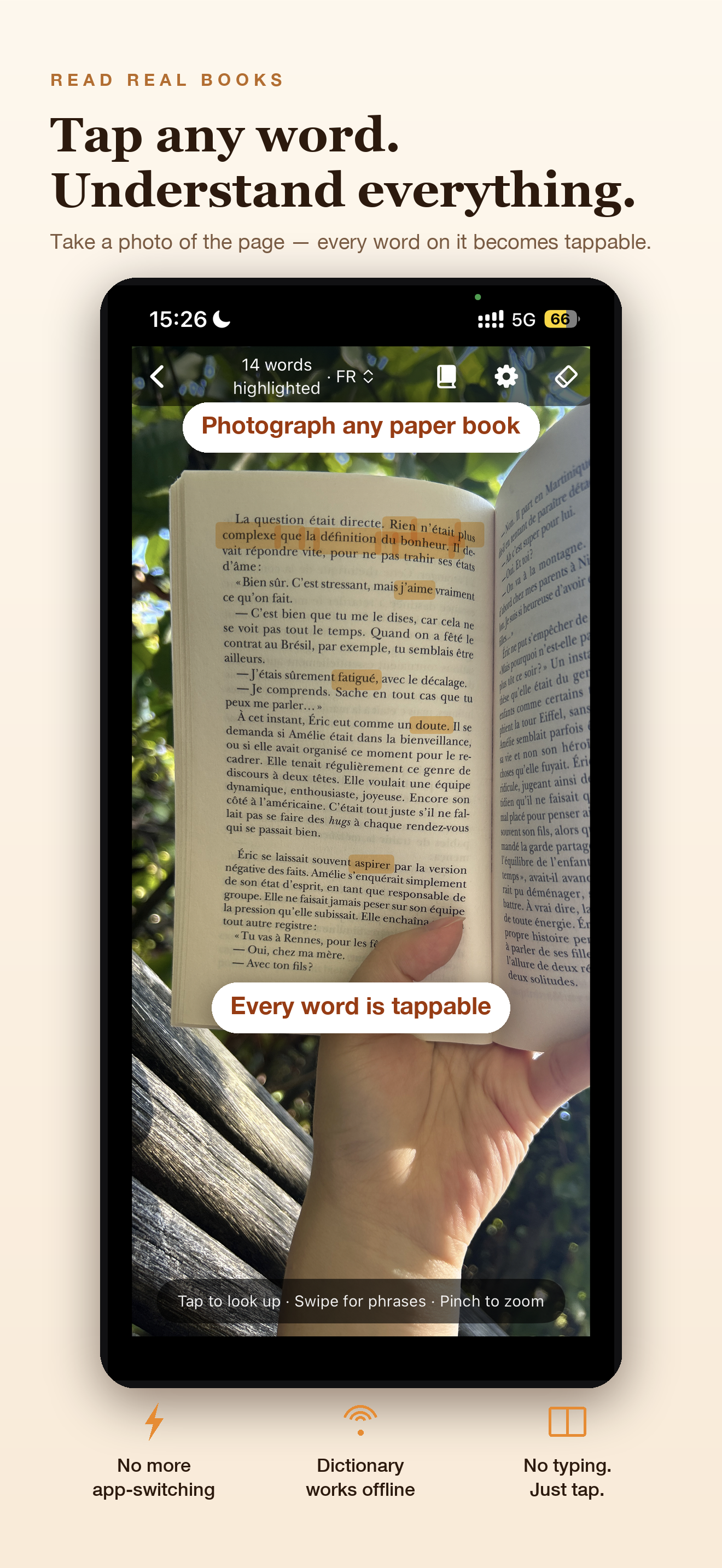
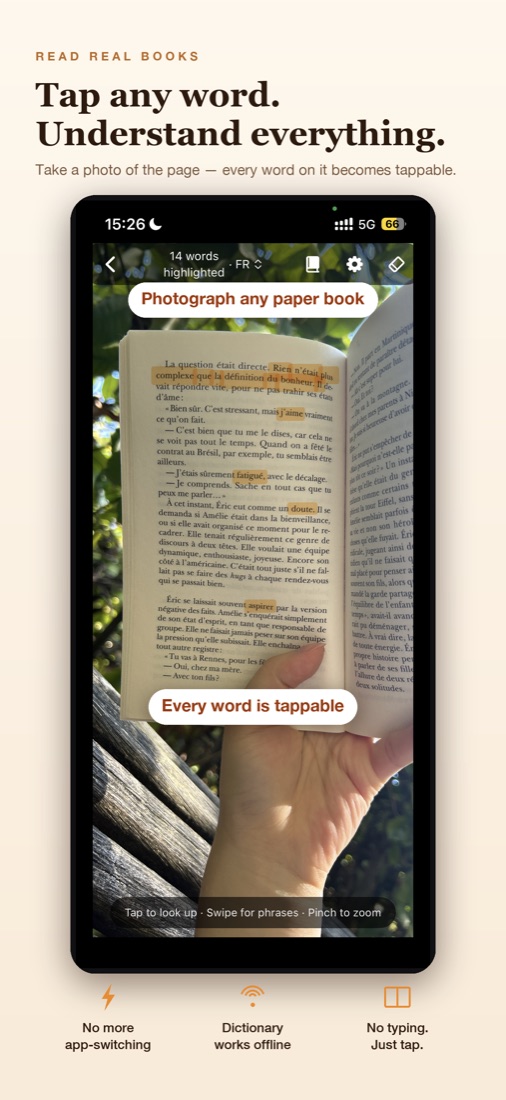
Photograph the page you're reading. Tap a word for the dictionary, swipe a phrase to translate, and get an AI explanation of what it means in that exact sentence.
Free on iPhoneGet it on the App StoreEnglish · French · German · Spanish · Italian · Portuguese · Japanese
Why it's different
A dictionary tells you what a word can mean. Pagetap tells you what it means here.
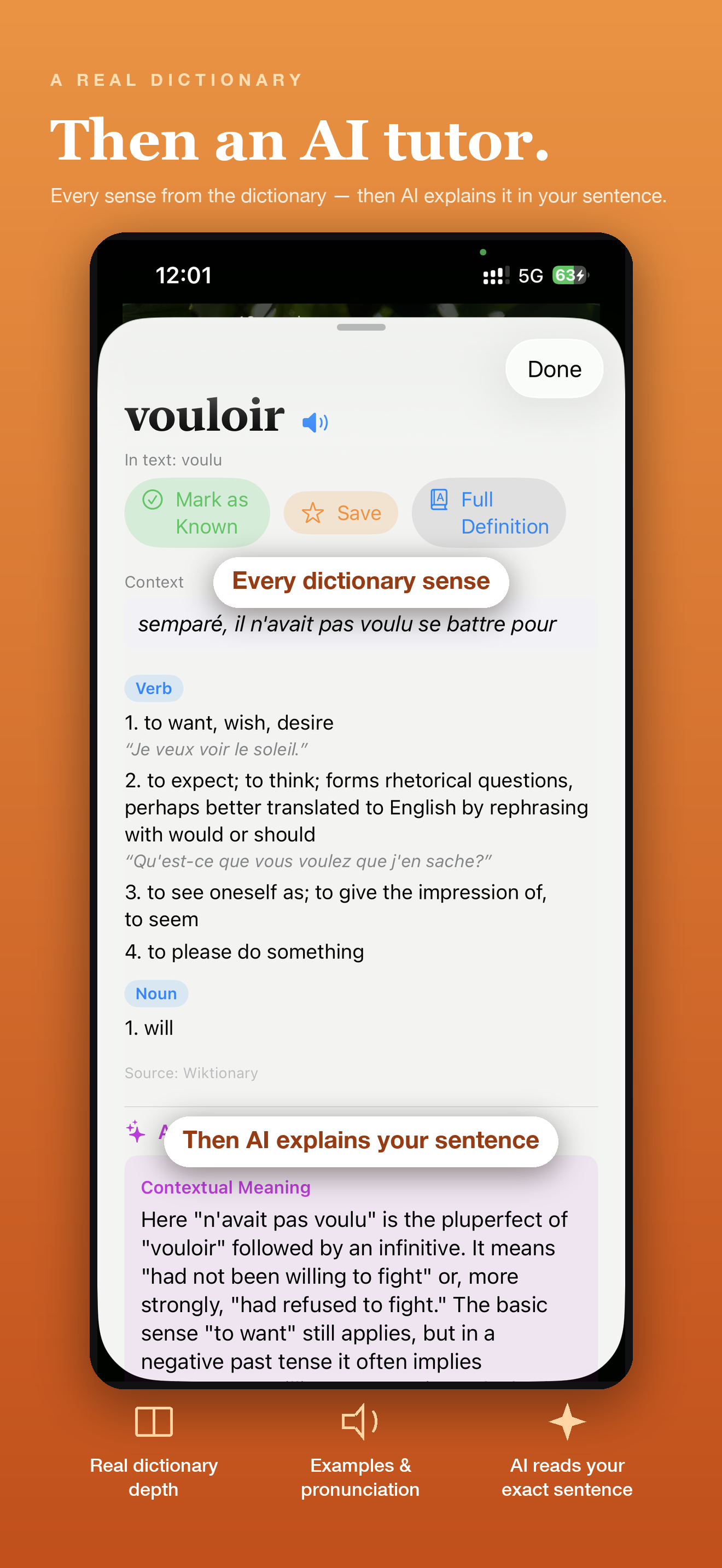
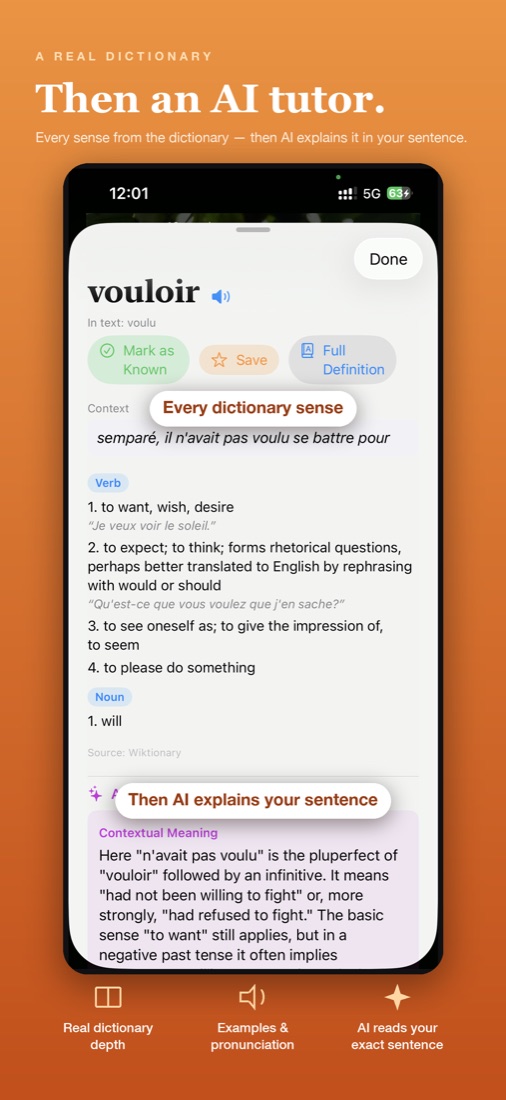
Most words have several senses. When you're reading a novel in another language, the first one in the dictionary is often the wrong one. Pagetap reads the whole sentence around the word you tap.
Dictionary
tiresome — annoying, wearisome.
Pagetap AI, in this sentence
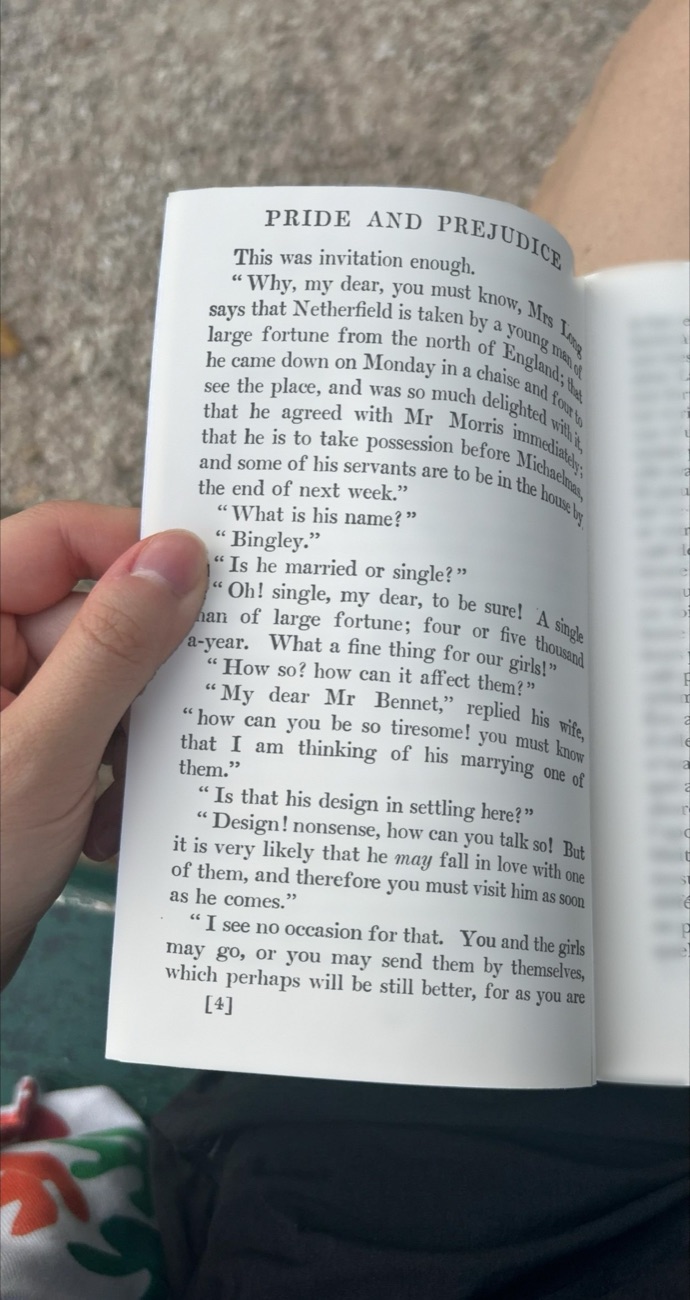
Here it means exasperating: Mrs Bennet is complaining that her husband is deliberately teasing her — not that he is physically tiring. “How can you be so tiresome!” is a complaint, not a real question.
From Pride and Prejudice (Jane Austen, 1813), the page used in Pagetap's built-in tour.
How it works
Snap. Tap. Keep reading.
No typing, no switching apps, no losing your place in the book.
1
Photograph the page
Point your iPhone at the book. The text is recognised on your phone, right on the photo.
2
Tap a word, swipe a phrase
A dictionary card slides up, with pronunciation and examples. Swipe across an idiom to translate the whole phrase.
3
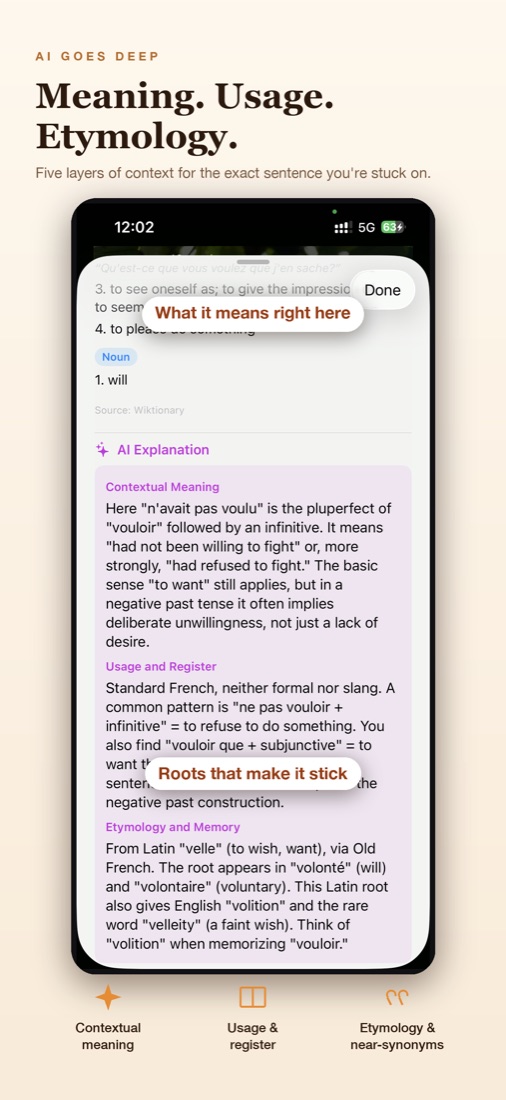
Understand it in context
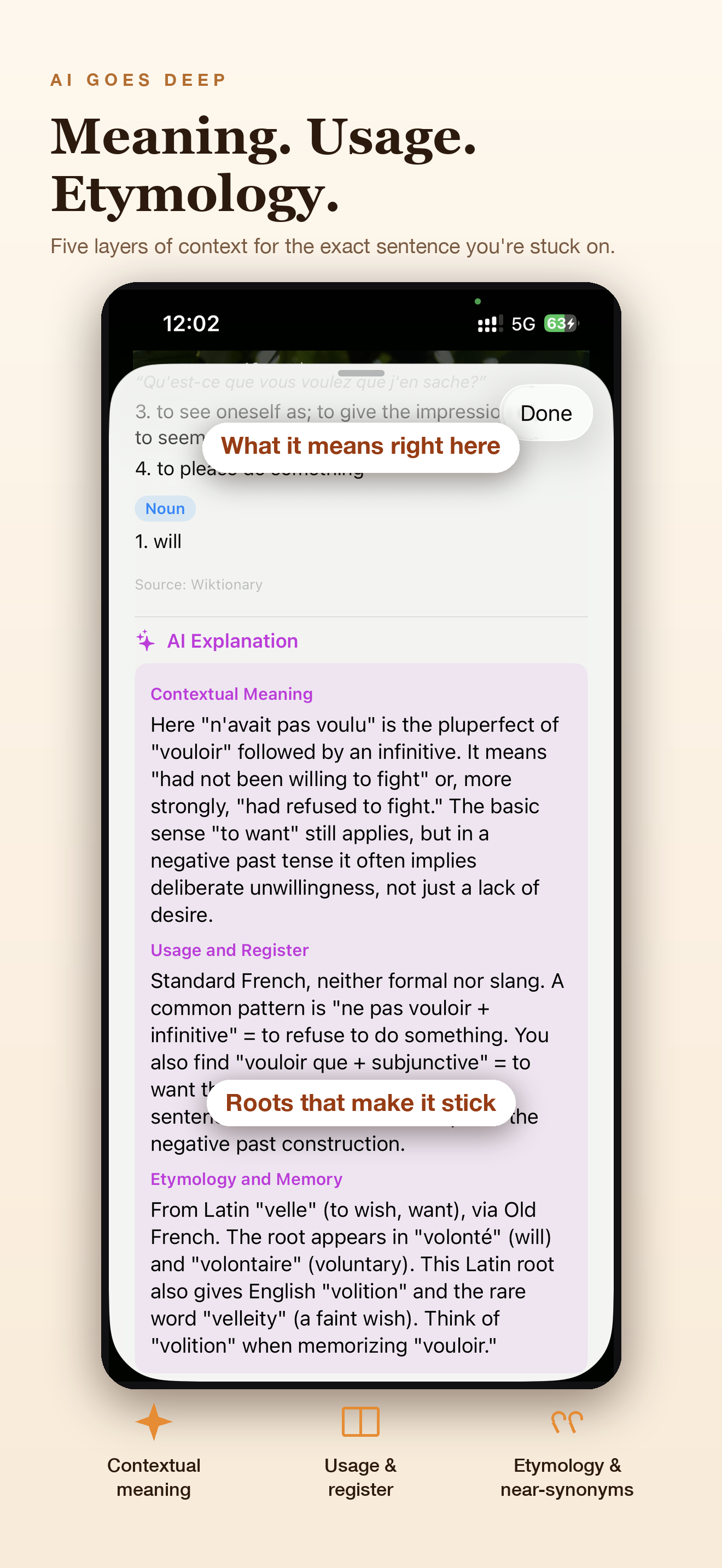
Ask for an explanation: what it means in this sentence, register, etymology, near-synonyms, and the grammar around it.
Languages
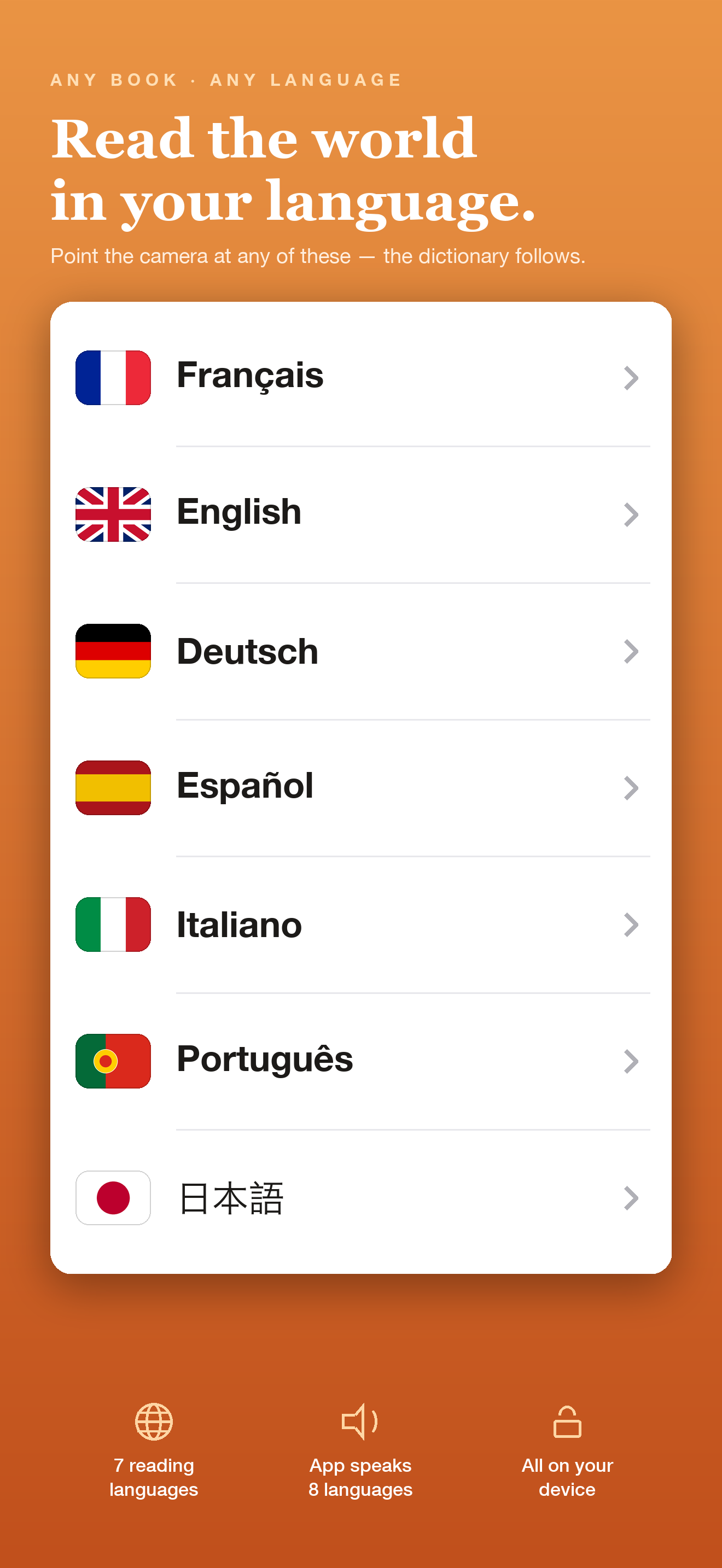
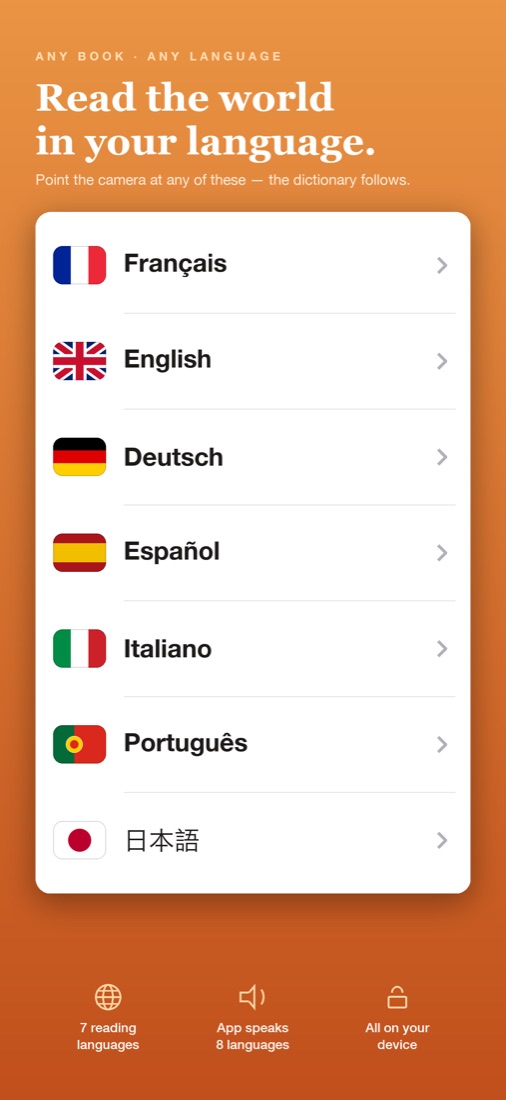
Seven reading languages. Explanations in yours.
Read in any of these languages, and get translations and explanations in your own. The app itself speaks English, 简体中文, 繁體中文, 日本語, 한국어, Français, Deutsch and Español.
Made for readers
Everything stays on the page.
Highlighter, not a scanner
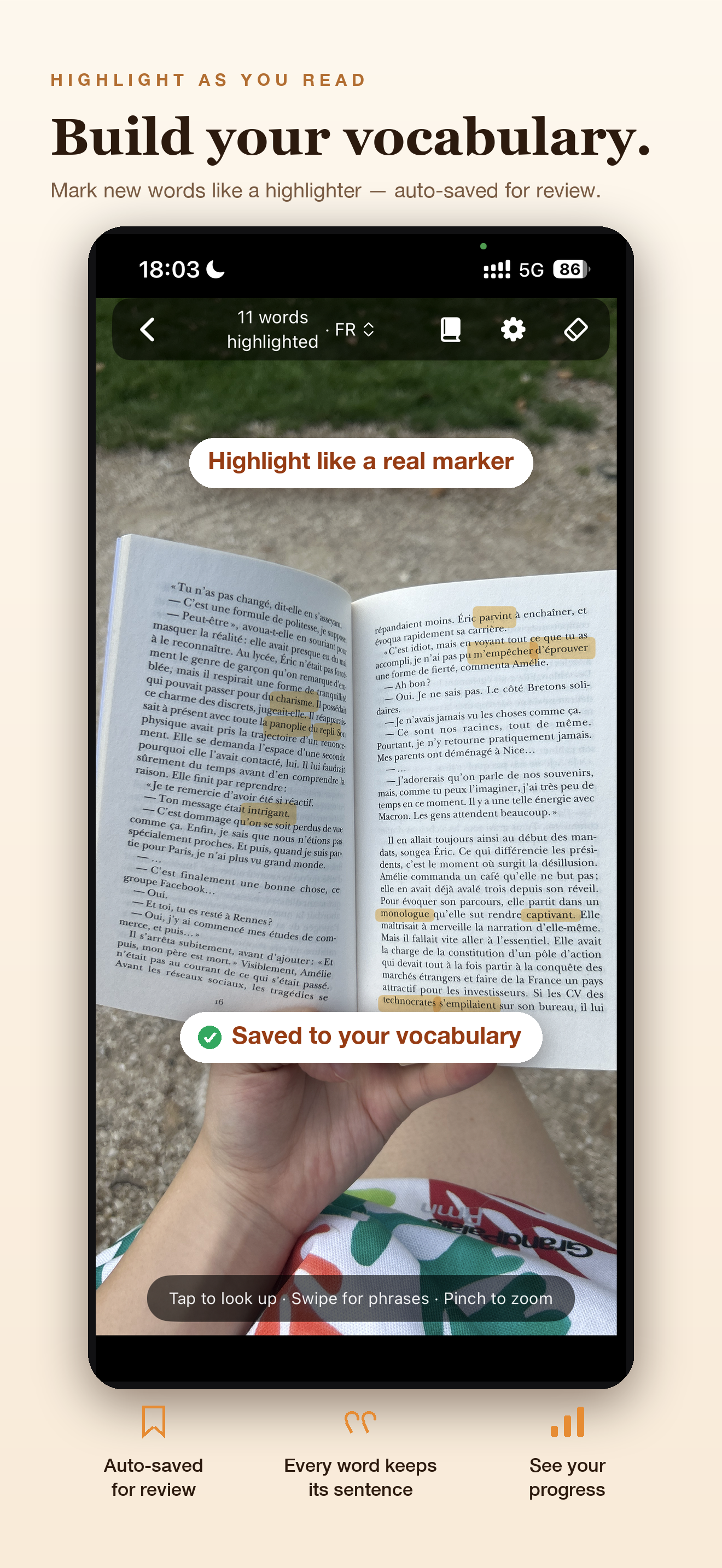
Mark words like you would with a real highlighter. Your marked pages are saved so you can come back to them.
Your vocabulary book
Save words with the sentence you found them in, so you remember the context, not just the definition.
Hear every word
Tap the speaker to hear any word in every reading language, even with your phone on silent.
Private by design
Photos and text recognition stay on your iPhone. No account, no ads, no tracking.
Learn it in a minute
A short interactive tour on a real public-domain page in your reading language shows you every feature.
For the books you already own
Novels, textbooks, graded readers, old paperbacks — if it's printed, you can read it with Pagetap.
Pricing
Free to read. Pro for unlimited AI.
Free
Forever
- Dictionary cards, pronunciation and phrase translation
- Highlighter and vocabulary book
- AI explanations: 10 a day for your first 3 days, then 3 a day
- A free one-line AI gloss whenever a word isn't in the dictionary — it never uses up your explanations
Pagetap Pro
US$3.99 / month or US$29.99 / year · yearly includes a 7-day free trial · local prices vary
- Unlimited AI word explanations
- Unlimited AI sentence and phrase explanations
- Everything in Free
Subscriptions are handled by Apple and can be cancelled anytime in your App Store settings.
FAQ
Questions
Do my photos leave my phone?
No. Photos and text recognition are processed on your iPhone. When you ask for an AI explanation, only the selected word or phrase and its sentence are sent to generate the explanation — never the photo. An anonymous ID is used only to count free explanations; it isn't linked to you.
Does it work offline?
Yes, mostly. Text recognition, the dictionaries for all seven reading languages, highlighting and the vocabulary book all work offline. AI explanations need an internet connection.
Which books work best?
Any printed page with clear, horizontal text: novels, textbooks, graded readers, magazines. A flat page in good light gives the best results.
Where is Pagetap available?
On the App Store in every region except mainland China, on iPhone with iOS 17 or later.
Is there an Android or iPad version?
Not yet. Pagetap is currently made for iPhone.
How do I contact you?
See the support page.
Press & creators
Press kit
Pagetap is a reading companion for printed books in seven languages, built by a solo developer. Feel free to use these assets when writing about it.
- App icon (1024 px)
- Screenshots: 1 · 2 · 3 · 4 · 5
- Contact: see the support page